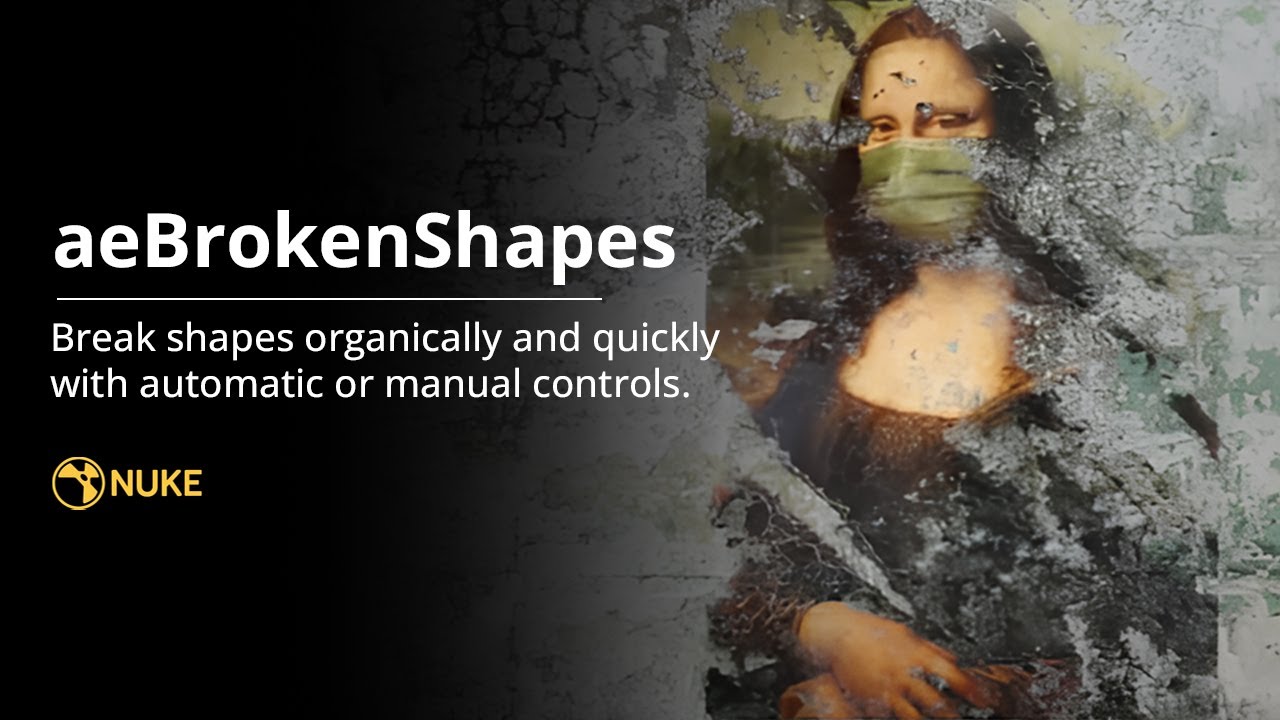
Break clean shapes into more organic silhouettes.
- Download the aeTools repository from GitHub as a ZIP, or clone it. One download brings every tool.
- Copy the
Aitor_Echevestefolder into your.nukefolder. - Add
nuke.pluginAddPath("./Aitor_Echeveste")to.nuke/init.pyand restart Nuke.
In the gizmo
- Procedural shape distortion
- Randomised variation
- Additional distortion controls
- Fast matte generation
Some masks need to look as if someone drew them. Others need to look as if nobody did.
Why not draw it?
Production masks often need more character than a clean spline: smoke boundaries, grime, organic damage, irregular holdouts. Drawing dozens of extra points takes time, and the shape usually changes again at the next note.
Organic doesn't mean unpredictable
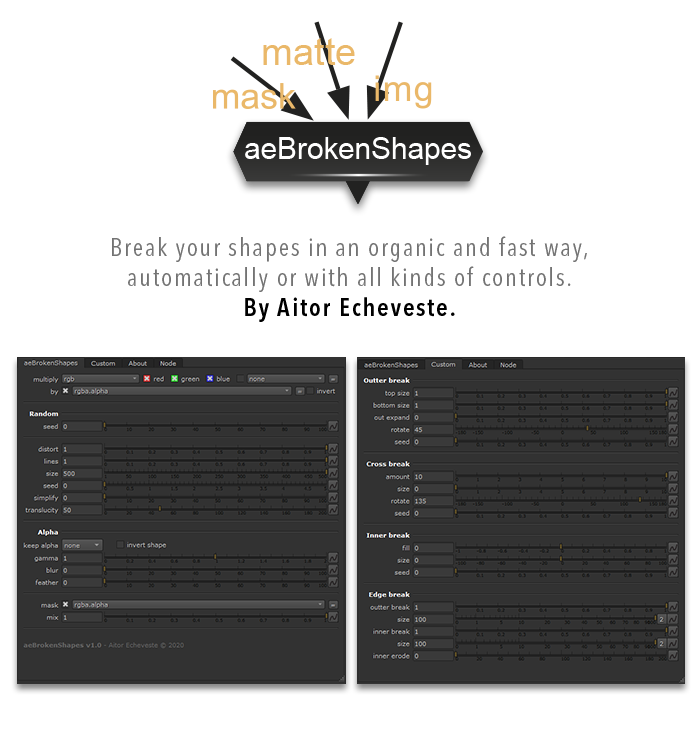
A shape can look random and still be art-directed. aeBrokenShapes starts from an ordinary shape and adds irregularity you control: distortion inside and outside the edge, simplification, softness and a seed you can change to explore variations.
The fast path and the precise path
The random control gives natural breakup in one move. The custom controls treat different parts of the silhouette separately: top and bottom size, crosswise texture with its own scale and rotation, and breaks or holes inside the shape. Leave random at zero when you work with the custom controls, so the two don't fight.